Multi Pinball Virtual

August 10th, 2010

Today I have some time to make a little video of the virtual Pinball of us.

More Infos Here

NeoGeo MVS adhesive mod

Juli 9th, 2010

Hi Folks,

here you can see the adhesive mod of a MVS two Slot System in “NeoGeo Style”:

PS: Great background ;-)

mvs_2er_neogeo_look 001

mvs_2er_neogeo_look 002

mvs_2er_neogeo_look 004

mvs_2er_neogeo_look 005

mvs_2er_neogeo_look 006

mvs_2er_neogeo_look 007

mvs_2er_neogeo_look 008

mvs_2er_neogeo_look 009

mvs_2er_neogeo_look 010

Retroarcade complete adhesive

Juli 8th, 2010

Today I finished my first Retroarcade with complete adhesive film.

Here you can see some pictures.

First the panels:

panel

After this I tried the frontdoor

With the help of water and a scraper

front_door_1

front_door_2

front_door_4

I uses a lot of water to make it easier to position the film:

folie_01

I am using a black “edding” for the edges of the t-molding. So you didn’t see any yellow wood if the t-molding is not 100% in the middle.

edding

The laydown of the Cabinet… after some some smooth and polish… at the cabinet site
laydown

First try if the adhesive fits

first-position

with a lot of water between the adhesive and the cabinet and the help of two men

it works great

doing1

doing2

some time later

finish

cutting the edges with a cutter knife:

cutted

Here you can see some pictures including bezel, marquee, t-molding.. and CP without RGB-Leds..

final_view_1

final_view_2

final_view_3

final_view_4

final_view_5

Making of Snow-White and the seven Shockers…

Juni 14th, 2010

I found some NeoGeo Cases here and cleaned them up with the help of my dishwasher.

They have a lot of scratches and as I am not a friend of black – I prefer WHITE – like the great PC-Engine one of my favorite Consoles. I make use of white spray on a good old NeoGeo AES.

After some spraying it looks like this:

snow_white_smaller_partssnow_white_bottomsnow_white_topsnow_white_01snow_white_02snow_white_03

more pictures:

snow_0

snow_1

snow_2

snow_3

SNES CIC switchless Mod at a USA/japanese SNES

Juni 14th, 2010

Thanks to Maximilian Rehkopf alias ikari_01 we can proudly present a new switchless Mod for the SNES.

Today I am using a japanese SNES. It works with a USA SNES too. It has the same layout.

Here you can find more information:

http://www.circuit-board.de/forum/viewtopic.php?f=21&t=1896&start=63 (german)

http://nesdev.parodius.com/bbs/viewtopic.php?p=61236#61236 (english)

The mod is using a PIC 16F630 with the following code: supercic

There are two ways to get the new CIC working.

a) with original CIC still onboard

To get the supercic working you have to lift the following pins of the original CIC.

Pin 1,2,10 and 11

b) removing the original CIC and add a 10k from Pin 8 to GND.

I will make use of way b) here:

Remove the original CIC (here you can see some pictures of a PAL SNES.
Its the same at the japanese/USA SNES.

supercic_2

The usual 50/60Hz Pins:

You have to lift PPU2 Pin 30 and lift PPU1 Pin 24 and wire it together to Pin 12 @Pic12f630.

The Console is set to 60Hz if you set both Pins to GND
The Console is set to 50Hz if you set both Pins to 5V

supercic_4

Here you can see the wiring of the pic with ikari_01 Code:

PIC_cic_pinout

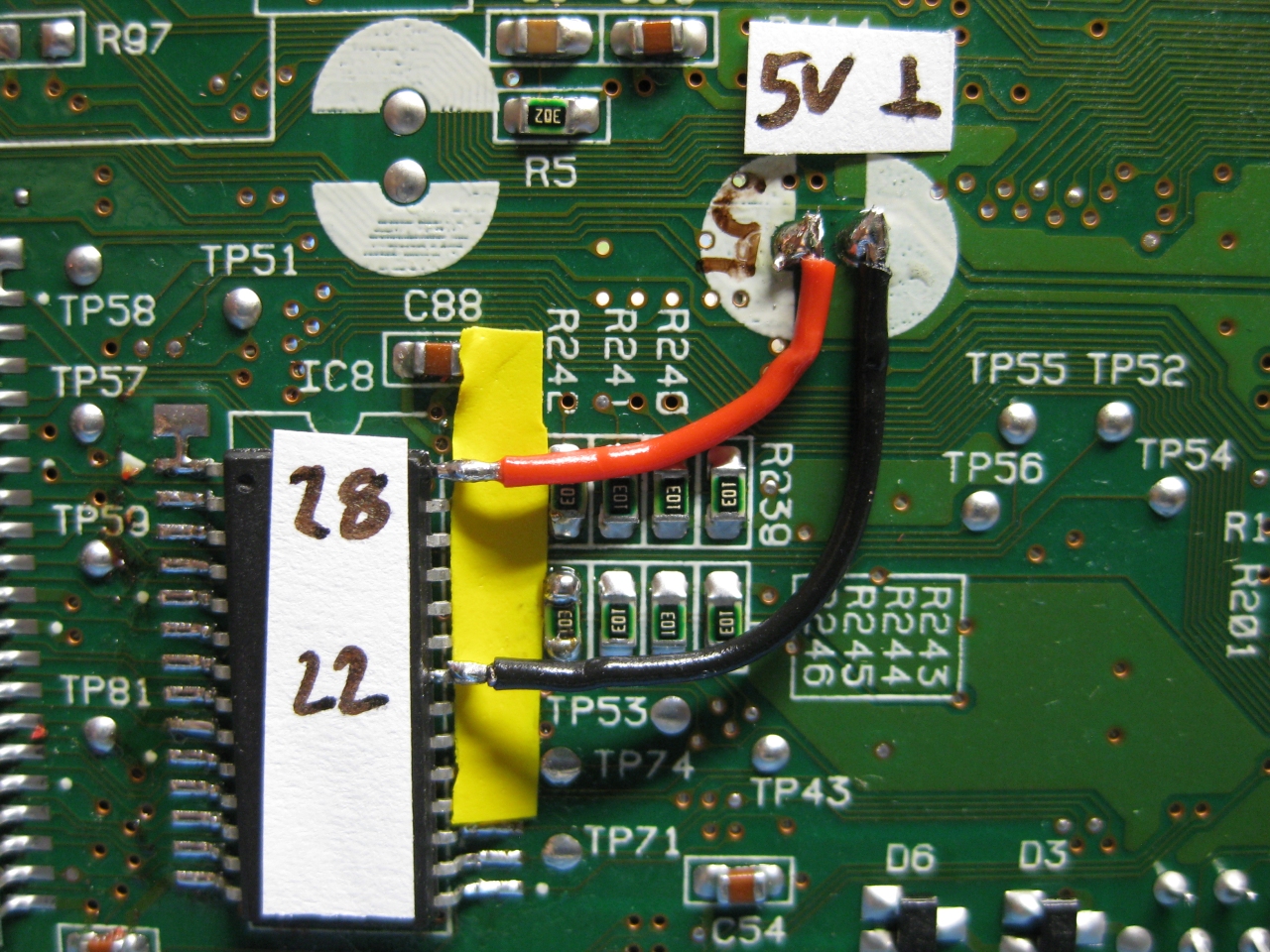
First we have to put some 5V at the PIC.

You can set the PIC into 2 Modes

a) Pin 4 to 5V (I used this Mode, see the red wire)
b) Pin 4 to GND

And please set Pin 7 To 5V (PIC is set to RGB-LED Mode (common anode).
Take 5V From the Pin 81 of the nearby IC

cic_jap_1

some pictures of more wiring

cic_jap_3

cic_jap_4

cic_jap_5

To do the LED Mod you have to remove the original LED at the controller port.
You can shortcut the original Resistor of the LED, if you want the full power of the RGB-LED ;-)
With a RGB Led you can choose 2 of the 3 colors you wish. I am using the normal colors red and green.

cic_jap_Leds

You can use two different LEDs:

a) a Duo-Led with common cathode (GND)
You have to set Pin 7 of the PIC16F630 to GND

b) a RGB-Led with common anode (plus)

Look here for a picture:

cic

Some Info about the usage of the superCIC.

You can change between 50/60Hz and Auto Function by pressing the Reset Button for longer as around 0,5 sec. The current Status is shown by the DUO-LED. (red=60Hz, green 50Hz, orange=Auto).
After releasing the Reset Button the mode will be active. The SNES will not reset at this moment.

a) 50Hz Mode is active (green)

If you insert a PAL-Game, it will start with 50Hz
If you insert a NTSC-Game, it will start with 50Hz (if Pin 4 is set GND)
If you insert a NTSC-Game, it will start with 60Hz and switches to 50Hz after 9 sec. (if Pin 4 is set 5V)
If you insert a Game without CIC, it will start with 50Hz

b) 60Hz Mode is actice (red)

If you insert a NTSC-Game, it will start with 60Hz
If you insert a PAL-Game, it will start with 60Hz (if Pin 4 is set GND)
If you insert a PAL-Game, it will start with 50Hz and switches to 60Hz after 9 sec. (if Pin 4 is set 5V)
If you insert a Game without CIC, it will start with 60Hz

c) Auto Mode is actice (orange)

starting the Game in its native frequence.

If you insert a NTSC-Game, it will start with 60Hz
If you insert a PAL-Game, it will start with 50Hz
If you insert a Game without CIC, it will start with 60Hz
Here you can see a video, how the switching is working:

Here you can see a US-Unit with a RGB Led using blau and red part of the LED:

Sega Mega Drive 1 switchles mod

Juni 14th, 2010

Today I got a PAL SMD1 Console. I tried sebs code as several times before to make a switchless mod.

You have to cut 3 circuits and need a 3mm Duo-Led for displaying.

smd1_switchless

NeoGeo Oldstyle Button LED mod

Juni 4th, 2010

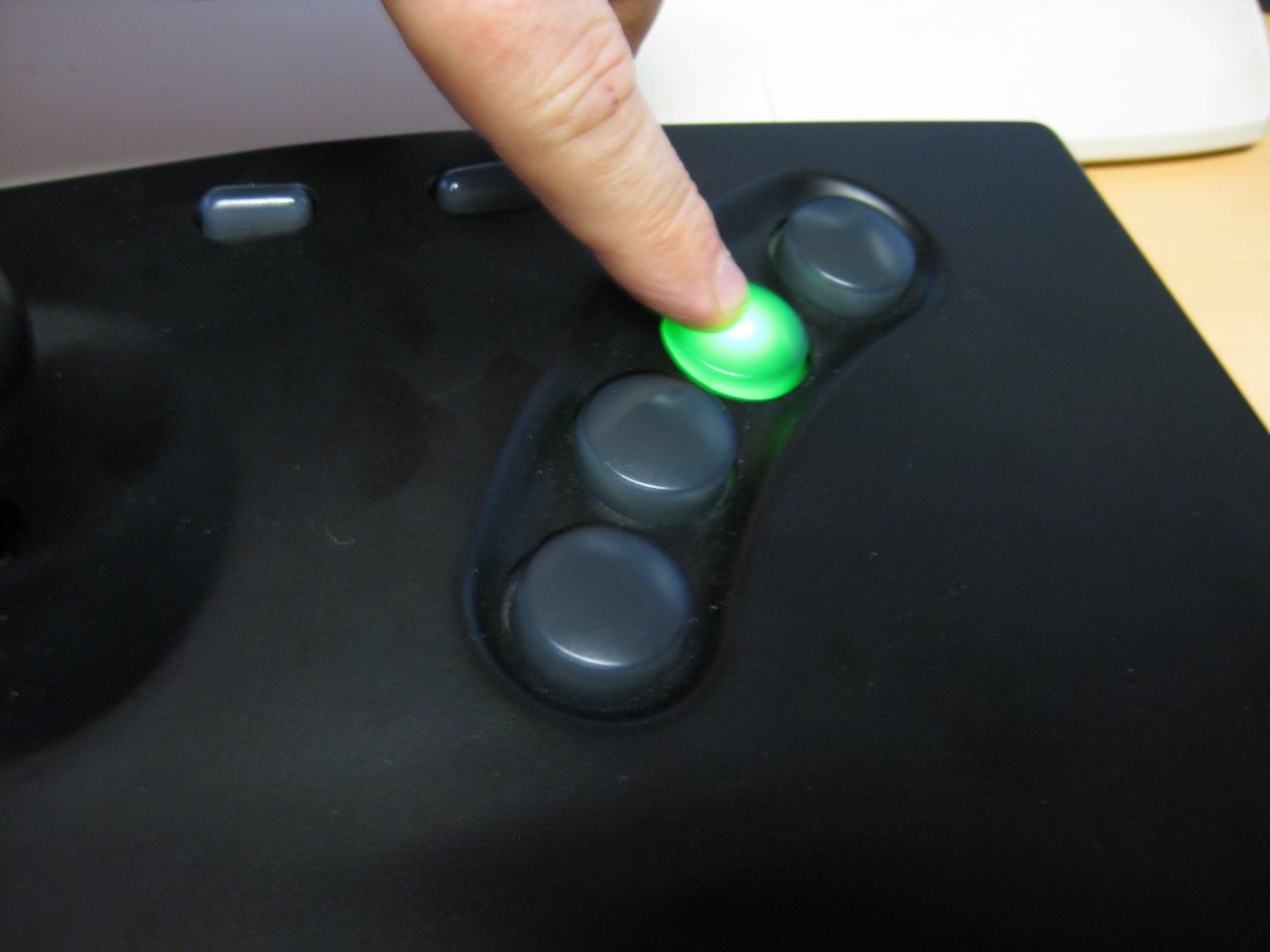
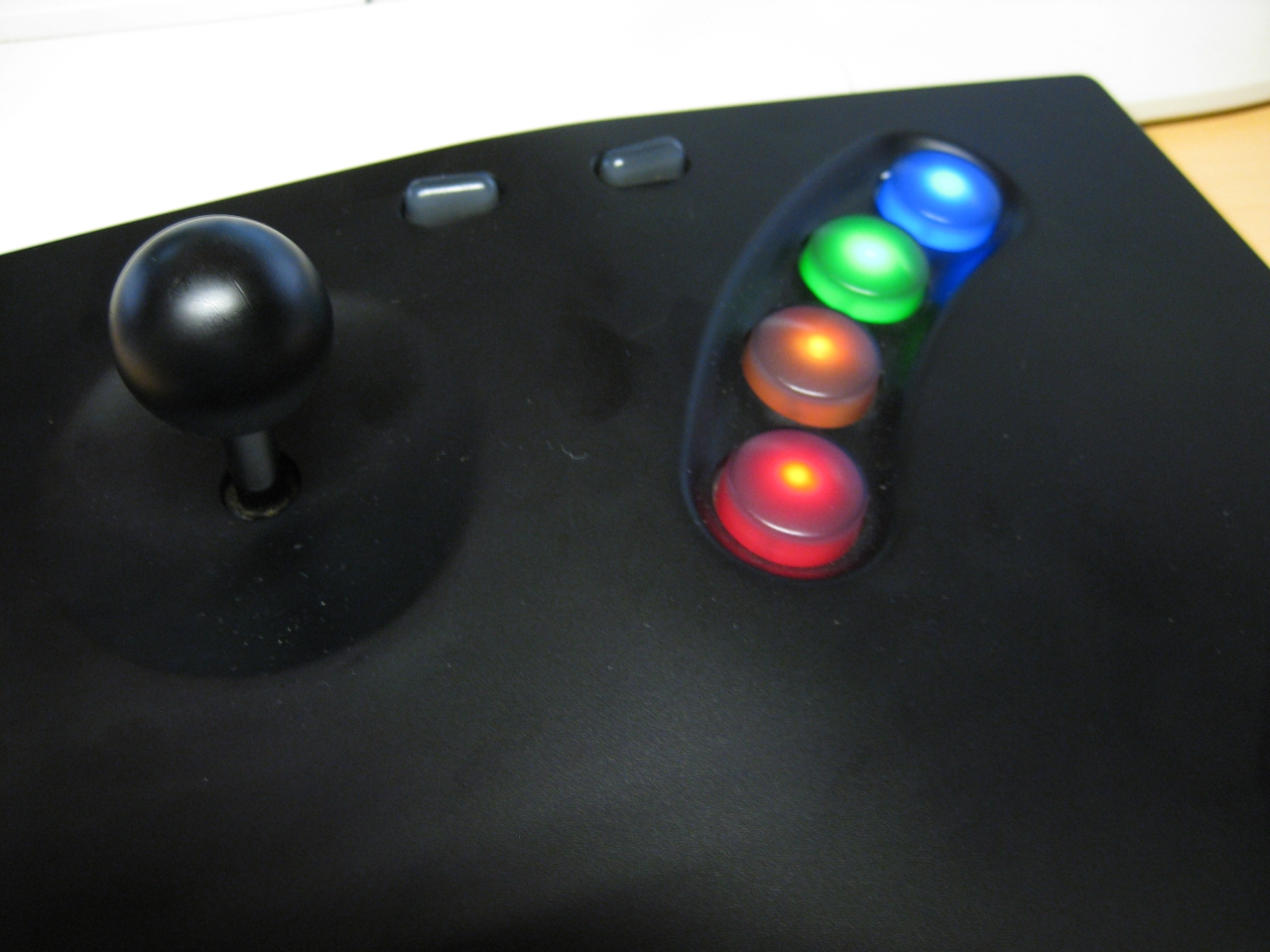
After surfing the www for neogeo… I found a modified NeoGeo Joyboard with LEDs.

A great Idea, and some dremel work later…

Nothing new for me. The Buttons in the oldstyle Boards are the same as the NeoGeo Reset Button.
I done this mod weeks ago.  Some RGB-LEDs and Resistors and done…

If you can’t do it, we offer this service:
http://www.wolfsoft.de/shop/product_info.php/products_id/14793

neogeo_duo_3

14739

Video:

I done some upgrade and make the lights switchable.

I am using a analog switch MC14551B to make three modes possible

a) lights off

b) Light on button press

c) all lights on

neo_button_mod_1

neo_button_mod

neo_wiring

little optimizing

Mai 16th, 2010

As I described before. I am using a “big” Relais for forcefeedback of the flipperfingers.

I used one of the relaiscontact to trigger the Keyboardencoder.

The problem of this big relais is, that its a short delay between flipper button pressing and sending the signal to the encoder.

So I used a little optocoppler to sent the signal faster to the keyencoder.

The signal is wired parallel and there is no more delay

optocoppler

cny17-4

First public playing

Mai 16th, 2010

today we presented the Virtual Pinball at the www.flippermuseum.eu

Here you can see some pictures:

cirqus_voltaire

frontdoor

mediecalmadness

whodunnit2

Beta Finalisation

Mai 14th, 2010

The wiring is done.

Using a InferfaceASD for Keyboard support. And the nanotech MotionKit. Having trouble with nudging…. Later…. I am using a big relais for “forcefeedback” powered by 24V and using the contacts of the relais for the InterfaceASD.

wiring

wiring2

A plugbox with switch for powering up the system:

powersupply

The Pinball Cabinet is around 10cm shorter as an original. So I have to cut the siderails:

siderails

siderails1

To cover the edges of the LCD i am using this here:

corner_edge

First complete look

complete1